Blow your DMs up with Instagram Auto-Replies
Turn every comment into a connection. Set up automated replies to instantly engage your audience, drive traffic to your offers and increase post engagement.
*Pro trial auto renews into paid plan. Cancel anytime.
Build your brand while you sleep.
Save time and stay on top of every comment without lifting a finger. Create connections with your followers — even when you’re not online.
Automate Instagram engagement to grow your brand
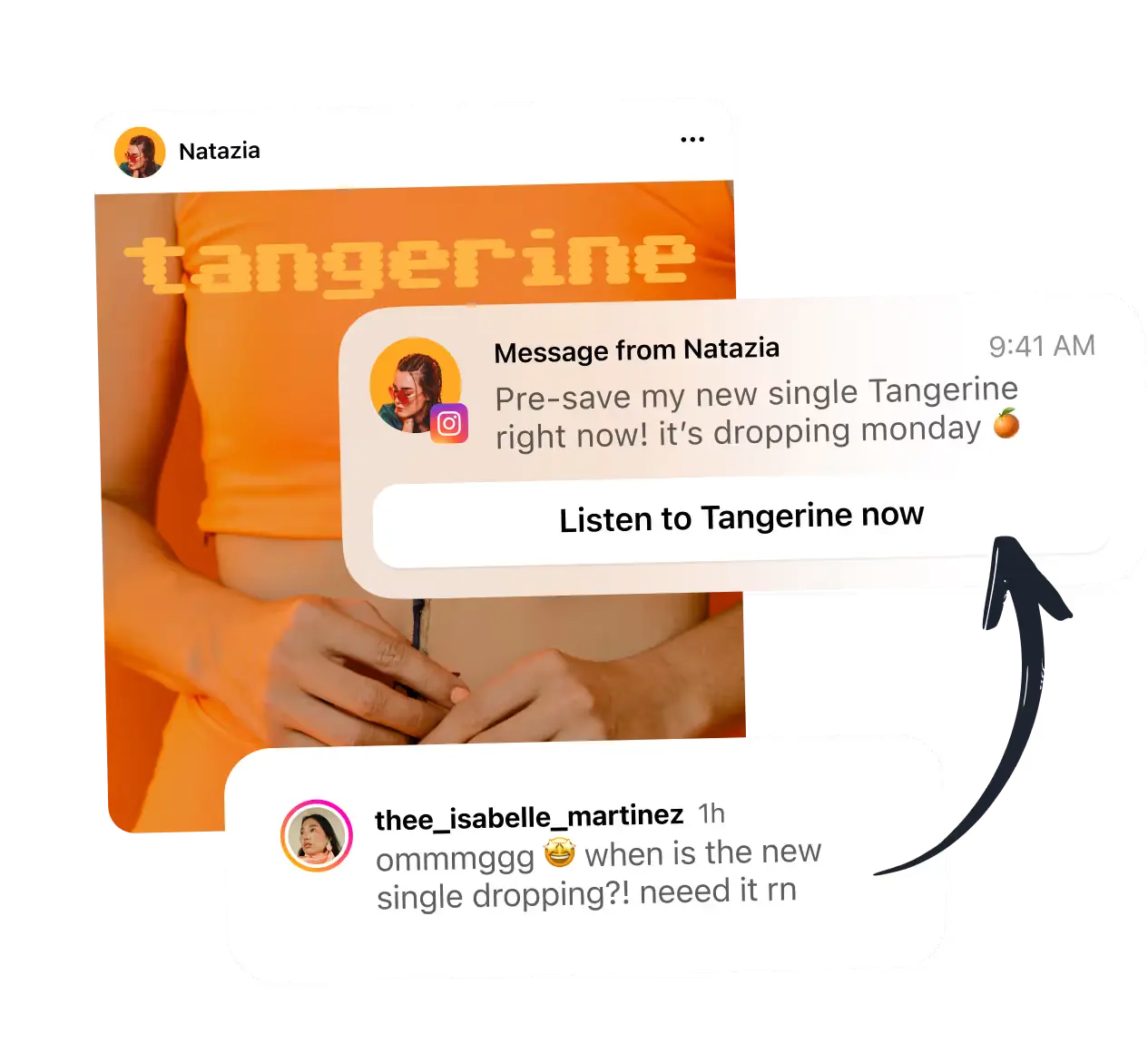
Promote new releases.
Spotlight your latest releases to drive higher streams, views and reads.

Provide quick support.
Never leave them hanging. Set up around-the-clock automated support to quickly help customers.

Increase sales
Drive sales by simplifying the purchase process for customers at the moment they’re most interested.
Supercharge your mailing list with Instagram.
Use auto-replies to share mailing list sign-up links with your Instagram followers – allowing you to share news with them outside of your social content.

Take control of your posting schedule.
Effortlessly schedule Instagram auto-replies for all your Instagram posts — past, present and future.

Double your impact: link in bio & Auto-Replies
Use your link in bio to showcase everything you are, and Auto-Replies to personally direct your audience to what they’re looking for.

Frequently asked questions
How can I monitor the performance of my Instagram Auto-Replies?
When should I use Instagram Auto-Replies?
- Exclusive content delivery: Offer followers exclusive content like a downloadable eBook or a discount code directly through a DM when they engage with your posts.
- Contest or giveaway management: Automatically send contest details when someone comments with a specific keyword on your contest post.
- Product launch promotion: Share direct links to new products when followers engage with your promotional posts.
Why do my followers sometimes see a "Get Updates" button instead of my link in the DM?
To ensure they can access your link, suggest that your follower opens the message in the Instagram app on their mobile device.
